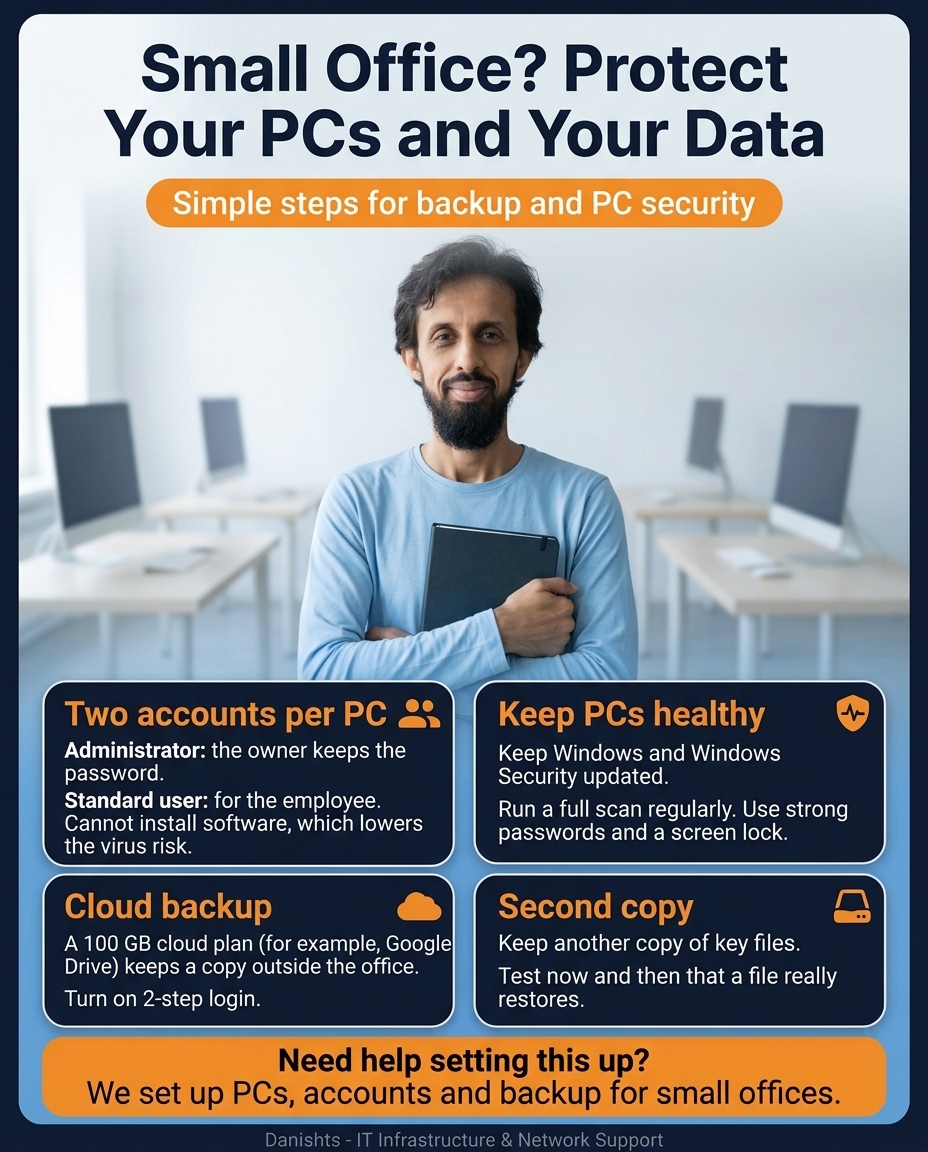
In a small office, one infected PC or one failed hard disk can stop the whole day, and lost files can cost far more than the PC itself. You do not need an expensive setup to avoid this. Four simple habits protect most small offices: the right accounts, healthy PCs, a cloud backup and a second copy.
1. Two accounts per PC
- Administrator: the owner keeps the password.
- Standard user: for the employee. A standard user cannot install software, which lowers the virus risk.
When staff work on a standard account, they cannot install unknown programs by mistake, and many viruses arrive exactly that way.
2. Keep PCs healthy
- Keep Windows and Windows Security updated.
- Run a full scan regularly.
- Use strong passwords and a screen lock.
A slow or unhealthy PC is often a sign of junk files, old updates or a virus. See the 6-step PC care checklist.
3. Cloud backup
A cloud plan (for example, a 100 GB Google Drive plan) keeps a copy of your files outside the office, so fire, theft or a hardware failure does not take your data with it. Turn on 2-step login for the account that holds the backup.
4. Keep a second copy
Keep another copy of your key files, for example on an external disk or a second PC. Test now and then that a file really restores.
This is the first layer. For a bigger office, read what makes an office network secure (PC audit, VLAN, cloud backup and AD domain), and business email compared for email backup and MFA.
Common questions
Why should employees use a standard account instead of administrator?
A standard user cannot install software or change system settings. That lowers the chance of installing a virus by mistake, and the owner keeps control through the administrator password.
Who should keep the administrator password?
The office owner or a trusted IT person. Keep it safe and do not share it with every employee.
Is a cloud backup enough?
It is a very good first copy because it is stored outside the office. For important files, also keep a second copy and test that a file really restores.
How big a cloud plan does a small office need?
It depends on how many files you have. A 100 GB plan is a common starting point for a small office, but count your files first and check the provider's current plans.
How often should I scan my office PCs?
Run a full scan regularly, for example as part of a twice-a-month PC care routine, and keep Windows and Windows Security updated.
Where I can help
I set up PCs, accounts and backup for small offices in Karachi, on-site, and support clients remotely. See my IT networking and infrastructure services.