A business email address on your own domain (like name@yourcompany.com) looks more professional than a free Gmail or Yahoo address, and it keeps your business mail under your control. The question is where to host it. Three common choices are cPanel email (comes with web hosting), Google Workspace and Microsoft 365. Here is a simple comparison.
cPanel email vs Google Workspace vs Microsoft 365
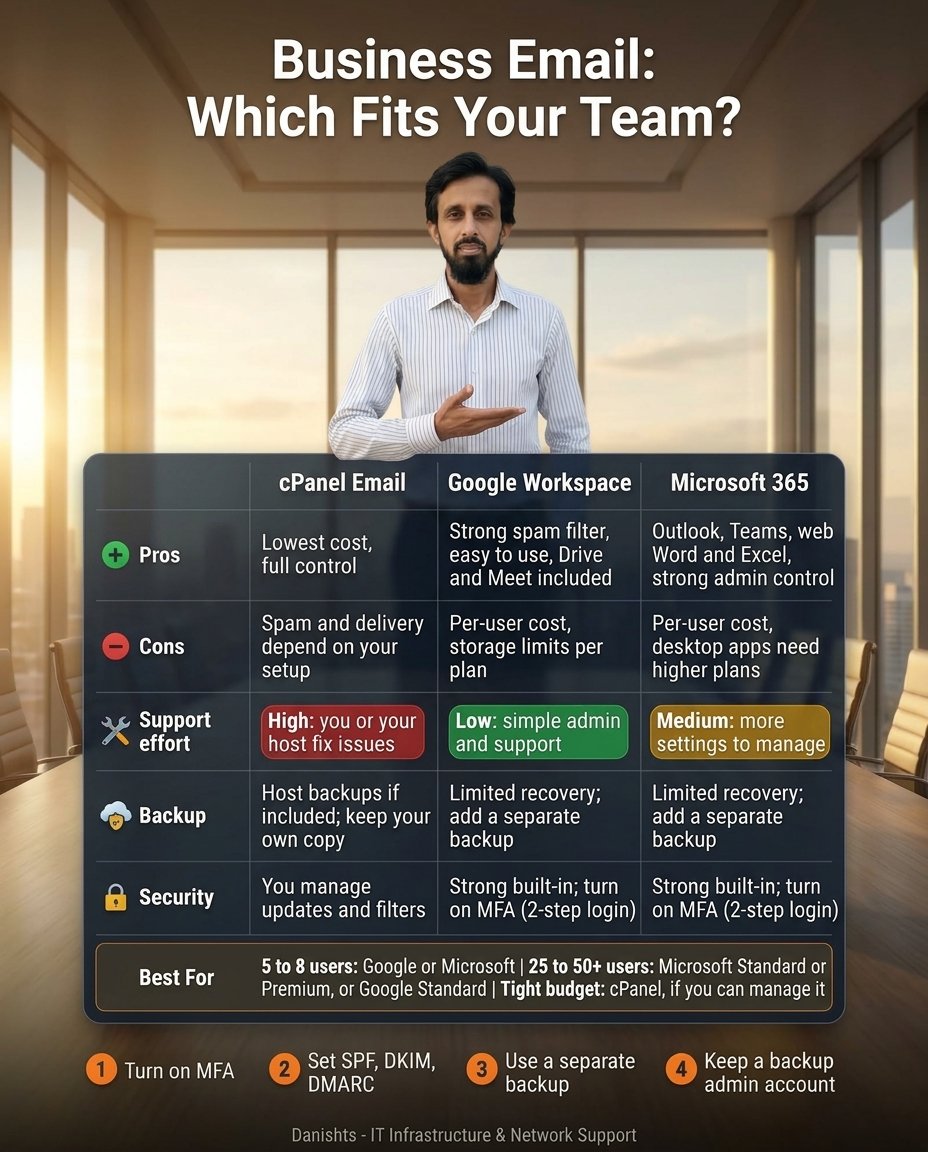
| cPanel Email | Google Workspace | Microsoft 365 | |
|---|---|---|---|
| Pros | Lowest cost, full control | Strong spam filter, easy to use, Drive and Meet included | Outlook, Teams, web Word and Excel, strong admin control |
| Cons | Spam and delivery depend on your setup | Per-user cost, storage limits per plan | Per-user cost, desktop apps need higher plans |
| Support effort | High: you or your host fix issues | Low: simple admin and support | Medium: more settings to manage |
| Backup | Host backups if included; keep your own copy | Limited recovery; add a separate backup | Limited recovery; add a separate backup |
| Security | You manage updates and filters | Strong built-in; turn on MFA (2-step login) | Strong built-in; turn on MFA (2-step login) |
Which one fits your team?
- 5 to 8 users: Google Workspace or Microsoft 365. Both are easy to manage at this size.
- 25 to 50+ users: Microsoft 365 Standard or Premium, or Google Workspace Standard.
- Tight budget: cPanel email, if someone can manage it properly.
One point about delivery: Google and Microsoft send mail from well-known servers. With cPanel email, whether your mail reaches the inbox depends on your server's IP reputation, correct SPF, DKIM and DMARC records, and how you send. With proper setup it can work well, but it needs care.
In simple words: Google Workspace is the easier choice for small teams that want simple admin and good spam filtering. Microsoft 365 suits teams that live in Outlook, Word and Excel and want more admin control. cPanel email is the cheapest, but delivery, spam control and fixing problems depend on you or your hosting company.
4 rules for any business email
- Turn on MFA. Multi-factor (2-step) login stops most password theft attacks. Do it for every user, starting with admins.
- Set SPF, DKIM and DMARC. These are three DNS records that tell other mail servers your email is genuine. They help your mail reach the inbox instead of spam, and make it harder for others to fake your domain.
- Use a separate backup. Built-in recovery is limited on Google and Microsoft plans, and cPanel backups depend on your host. Keep your own copy of important mail.
- Keep a backup admin account. If the only admin loses access, the whole company can be locked out.
Common questions
Is Google Workspace or Microsoft 365 better for a small business?
Both are good. Google Workspace is simpler to manage and has a strong spam filter. Microsoft 365 has stronger admin control and desktop Office apps on higher plans. Pick the one your team already knows.
Is cPanel email good enough for business?
It can be, especially on a tight budget, if someone manages SPF, DKIM, DMARC, spam filters and backups. Without that care, mail can land in spam or problems can take longer to fix.
Do I really need SPF, DKIM and DMARC?
Yes, they are recommended for every business domain. They improve delivery and protect your domain name from being faked.
Do I need a separate email backup?
For important business mail, yes. Limited built-in recovery is not the same as a real backup.
Will my emails go to spam if I use cPanel email?
Not necessarily. Delivery depends on your server's IP reputation, correct SPF, DKIM and DMARC records, and your sending habits. Check these first if your mail lands in spam.
Can I use cPanel email with Outlook or Apple Mail?
Yes. cPanel email accounts can be added to Outlook, Apple Mail and phone mail apps using the mail server settings from your hosting provider.
Where I can help
If you are not sure which option suits your office, tell me your team size and needs and I will suggest a suitable setup. See my IT services or read what makes an office network secure.