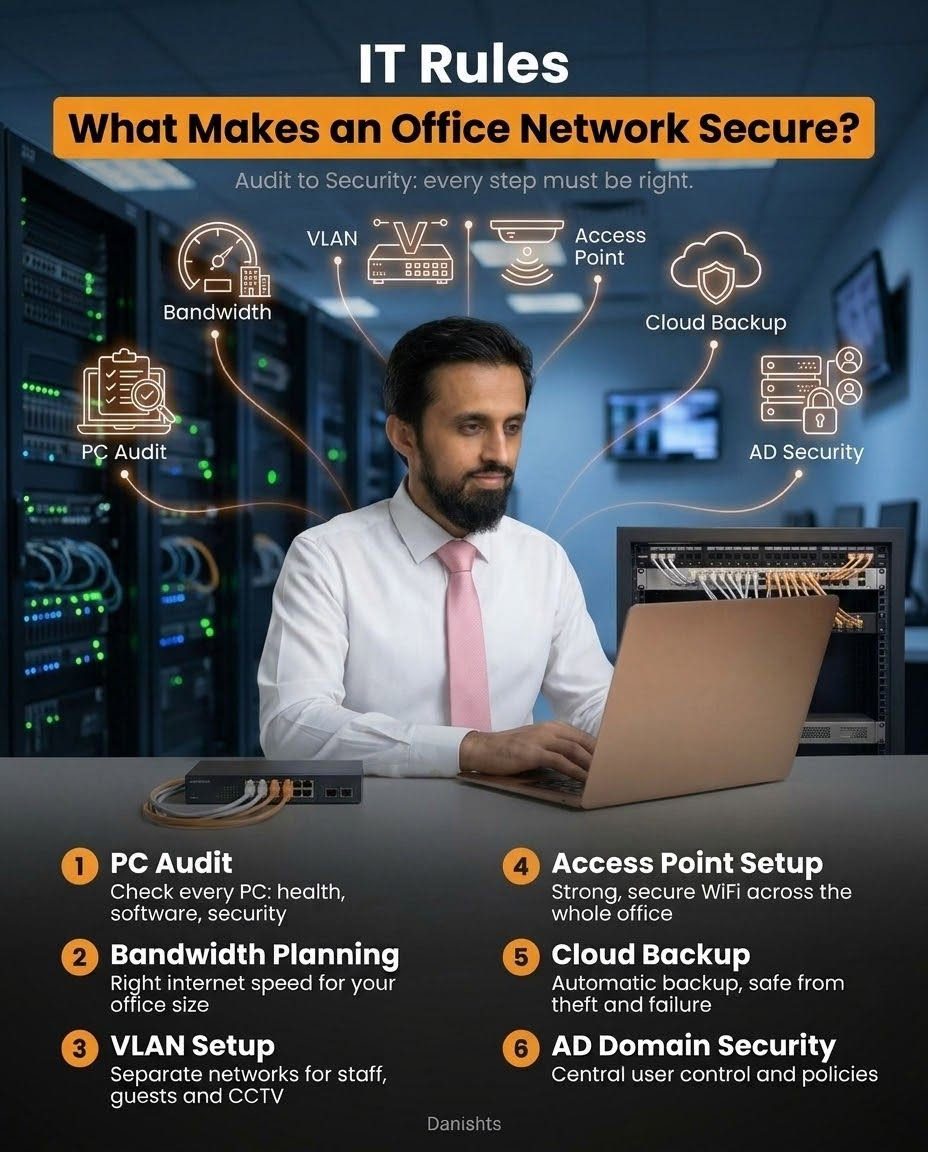
A secure office network is not one setting or one device. It is a set of small things done properly, one after another. When one of them is missing, that is usually where the problem starts: a virus from one PC, a guest on the staff network, or lost files after a hard disk failure. Here are 6 rules I follow when setting up or reviewing an office network.
1. PC audit
Check every PC for health, software and security. Look at the Windows version and updates, antivirus, unwanted programs, disk health and who has admin rights. Many network problems start from one weak PC.
2. Bandwidth planning
Choose the right internet speed for your office size. Too little and everyone is slow, too much and you pay for speed you never use. Count users, video calls, cloud tools and CCTV, then plan. See also LAN vs WiFi in the Office for per-user bandwidth control.
3. VLAN setup
A VLAN splits one physical network into separate networks. For example, staff, guests and CCTV each get their own, so a guest phone cannot reach your office PCs or file server. VLANs need a managed switch and a proper plan, because a wrong setup can also cut off devices that should talk to each other (like a shared printer).
4. Access point setup
Use properly placed access points with WPA2/WPA3 and strong passwords to give secure WiFi across the whole office, instead of a single home-type router in one corner. A common problem is WiFi users ending up on a different network from the printer. I explained this in why WiFi users can't print.
5. Cloud backup
Automatic backup keeps your data safe from theft, fire and hardware failure. A backup you never test is not a backup, so check from time to time that you can really restore a file. Many offices use a local backup plus a cloud copy.
6. AD domain security
An Active Directory (AD) domain gives central user control and policies: one place to create users, reset passwords, control who can open which folder and apply security rules to all PCs. It is most useful when an office has many PCs and staff changes.
Need this for your office?
I design and review office networks in Karachi on-site, and support clients remotely. See my IT networking and infrastructure services.