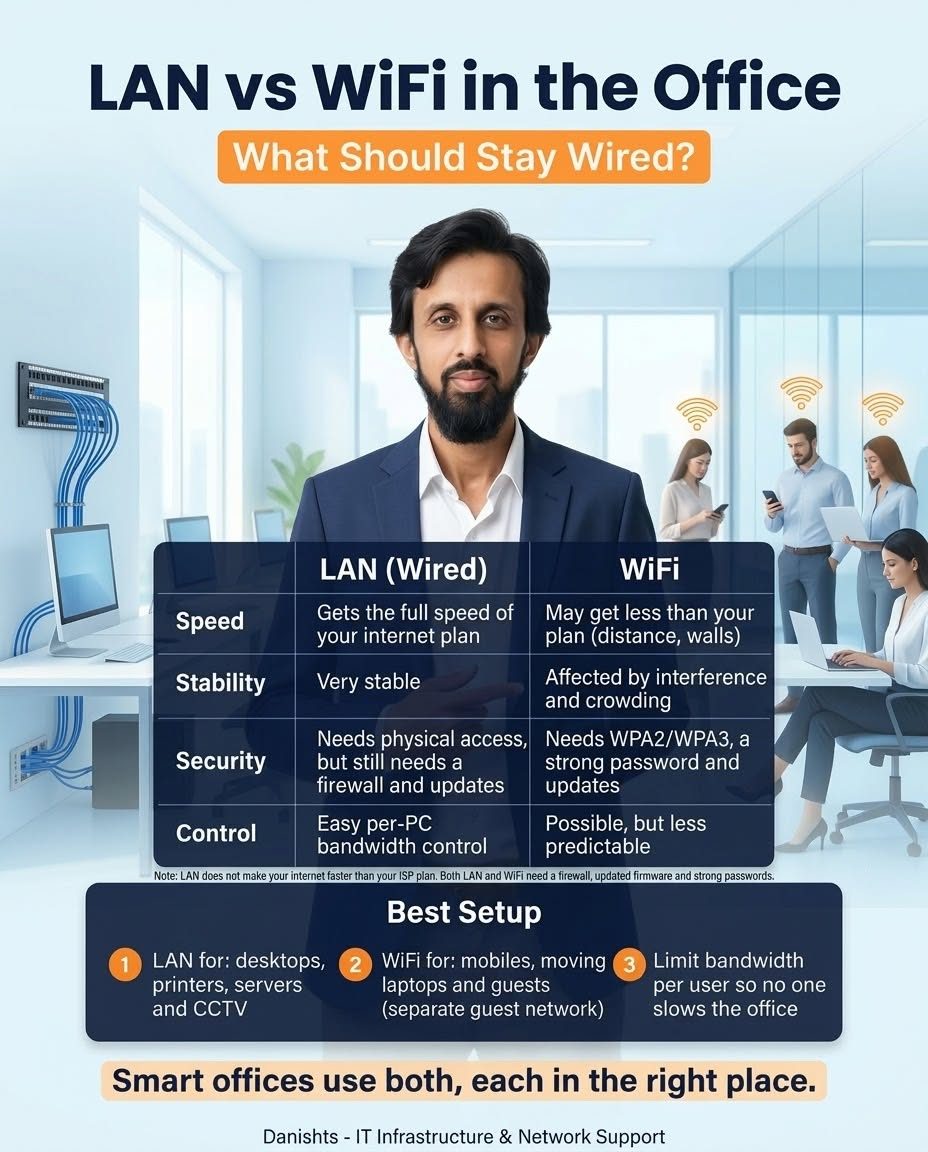
Many offices run everything on WiFi because it is easy. But when desktops, printers and servers all share the same crowded wireless signal, problems start: slow transfers, dropped connections and printers that "disappear". A better way is to use both LAN and WiFi, each in the right place.
What should use LAN (wired)
- Desktop PCs that stay on the same desk all day
- Printers and shared scanners
- File servers and backup devices
- CCTV recorders and cameras
What can use WiFi
- Mobile phones
- Laptops that move around the office
- Guests, on a separate guest network so they cannot see your office devices
LAN vs WiFi: quick comparison
- Speed: LAN gets the full speed of your internet plan. WiFi may get less because of distance and walls.
- Stability: LAN is very stable. WiFi is affected by interference and crowding.
- Security: LAN needs physical access, but still needs a firewall and updates. WiFi needs WPA2/WPA3, a strong password and updates.
- Control: LAN makes per-PC bandwidth control easy. On WiFi it is possible but less predictable.
Important: LAN does not make your internet faster than your ISP plan. If your plan is 50 Mbps, LAN will not make it 100. It helps you actually get the speed you pay for. Both LAN and WiFi still need a firewall, updated firmware and strong passwords.
The best office setup
- LAN for desktops, printers, servers and CCTV.
- WiFi for mobiles, moving laptops and guests (separate guest network).
- Limit bandwidth per user so one person's download does not slow the whole office.
Smart offices use both, each in the right place. If you are planning an office network setup in Karachi, or want your current network checked, I can help on-site or remotely.