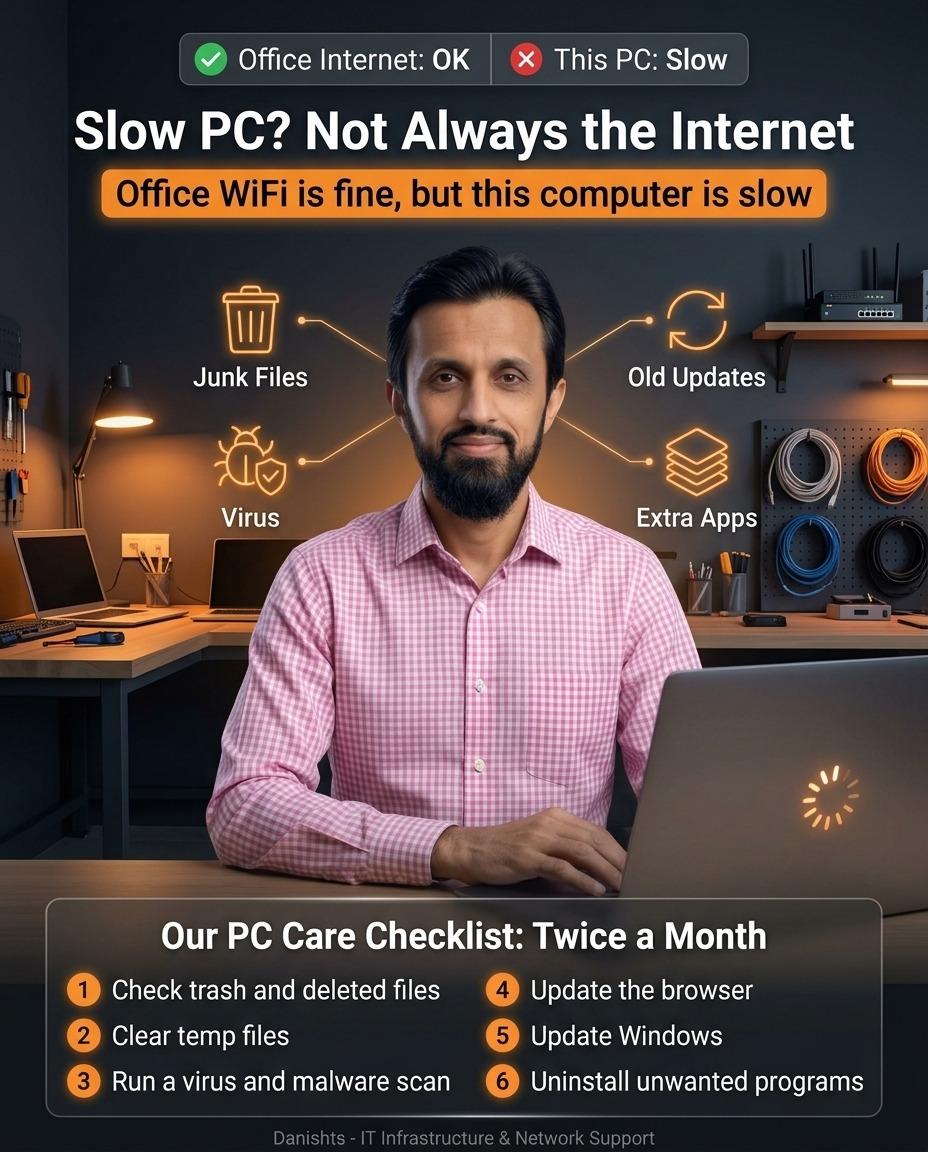
Many people say "the internet is slow" when the real problem is one slow computer. If other PCs in the office browse fine, the network is usually not the cause. Check the PC first before calling the internet provider.
How to tell: internet or PC?
Open the same website on another computer or on your phone using the same WiFi. If it loads fast there, the internet is OK and this PC is the problem.
Common reasons a PC becomes slow
- Junk files: a full recycle bin, temp files and old downloads fill the disk.
- Old updates: an outdated Windows or browser can make the PC slow and unsafe.
- Virus or malware: hidden programs use the processor and the internet.
- Extra apps: too many programs that start with Windows.
PC care checklist: do it twice a month
- Check trash and deleted files. Empty the recycle bin after checking that nothing important is inside.
- Clear temp files. Use Windows Disk Cleanup or Storage settings.
- Run a virus and malware scan. Windows Security can do a full scan.
- Update the browser.
- Update Windows.
- Uninstall unwanted programs that you do not use.
Before deleting or uninstalling anything on an office PC, take a backup of important files and ask your IT person if you are not sure.
Still slow after the checklist?
Then the cause may be an old hard disk, low RAM or a deeper software problem. I can check it through remote IT support or visit your office in Karachi. For office-wide problems, see my IT networking services, or read What Makes an Office Network Secure?.