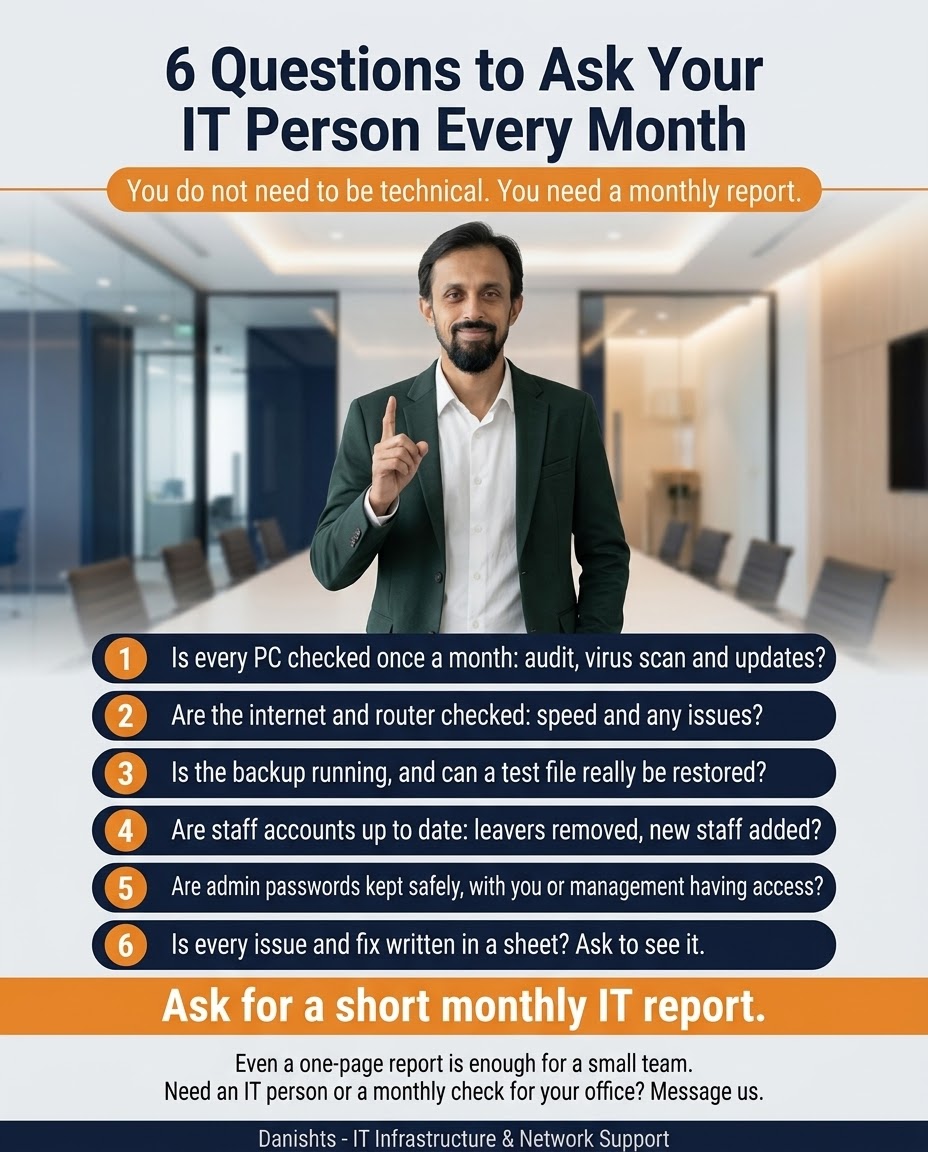
If you run an office, you do not need to understand every technical detail. But you should know that someone is checking the basics. These 6 questions help you do that, and the answers tell you whether your IT is under control.
6 questions to ask every month
- Is every PC checked once a month? This means an audit, a virus scan and updates.
- Are the internet and router checked? Ask about speed and any issues.
- Is the backup running, and can a test file really be restored? A backup you have never tested may not work when you need it.
- Are staff accounts up to date? Leavers should be removed and new staff added.
- Are admin passwords kept safely, with you or management having access?
- Is every issue and fix written in a sheet? Ask to see it.
How to use the answers
If the answer to any question is "I do not know" or "not yet", that is where to start. For the records in question 6, see IT documentation for a small office: 3 sheets to keep. For protection and backup, read protecting your PCs and your data and 6 IT rules for a secure office network.
Common questions
Do I need to be technical to manage my office IT?
No. You do not need to be technical, you need a monthly report. These 6 questions tell you if the basics are being done.
What should a monthly IT report include?
PC checks (audit, virus scan, updates), internet and router status, backup status with a test restore, staff account changes, where admin passwords are kept, and a list of issues and fixes.
Why should the backup be tested?
A backup that is running may still fail to restore. Restoring a test file shows that it really works before you need it.
Why remove the accounts of staff who leave?
An old account that stays active is a security risk. Remove leavers and add new staff so only the right people have access.
Who should have access to admin passwords?
They should be kept safely, for example in a password manager, and you or management should have access, not only one IT person.
Where I can help
I provide IT support and monthly checks for offices and small businesses in Karachi, on-site or remotely. See my IT networking and infrastructure services.