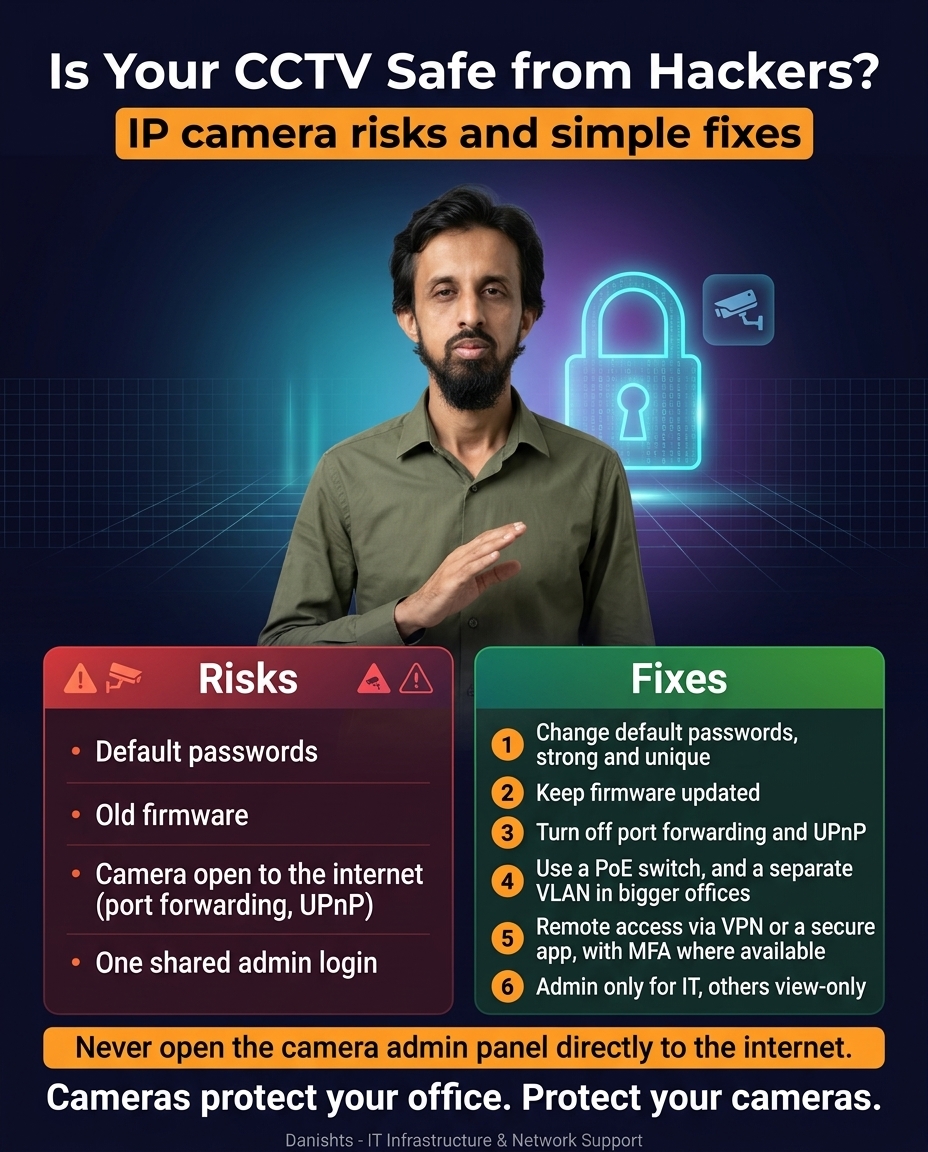
IP cameras sit on your network like any computer. If they are set up carelessly, they can become an easy way in for someone who should not be there. The good news is that most problems come from a few simple mistakes, and each one has a simple fix.
4 common CCTV risks
- Default passwords: the factory username and password are widely known.
- Old firmware: known weaknesses stay open when the camera is never updated.
- Camera open to the internet: port forwarding or UPnP can expose the camera to anyone online.
- One shared admin login: everyone uses the same account, so you cannot control or track who does what.
6 simple fixes
- Change default passwords. Use strong, unique passwords for each device.
- Keep firmware updated on the cameras and the recorder.
- Turn off port forwarding and UPnP for the cameras.
- Use a PoE switch, and a separate VLAN in bigger offices, so cameras stay apart from office PCs and guests. See what makes an office network secure.
- Use a VPN or a secure app for remote access, with MFA where available.
- Give admin only to IT. Everyone else gets view-only access.
Why this matters
Cameras protect your office, so protect your cameras. A camera on the same network as your PCs and file server can also become a path to them if it is hacked. Choosing the right system first helps too, see DVR vs NVR vs IP camera.
Common questions
Can IP cameras be hacked?
Yes, any device on a network can be attacked. Cameras are most at risk when they use default passwords, old firmware, or are exposed to the internet by port forwarding or UPnP.
Is port forwarding safe for CCTV?
It is not recommended. Port forwarding opens the camera or recorder to the whole internet. Use a VPN or a secure app for remote viewing instead.
What is UPnP and why turn it off?
UPnP lets devices open ports on your router automatically. For cameras, that can expose them to the internet without you noticing, so it is safer to turn it off.
How do I view my CCTV remotely and safely?
Use a VPN into your office network or the recorder maker's secure app, with a strong password and MFA where available. Do not expose the admin panel directly.
Why put cameras on a separate VLAN?
A VLAN keeps cameras apart from your office PCs and guests. If a camera has a problem, it is harder for that problem to reach the rest of your network.
Where I can help
I design and review office networks in Karachi, including CCTV network setup and security, and support clients remotely. See my IT networking and infrastructure services.